
The crosshair lets you read the exact price, date, and OHLC values at any point on the chart. Here's how to turn it on and off in the Rupeezy app.
Enable the crosshair
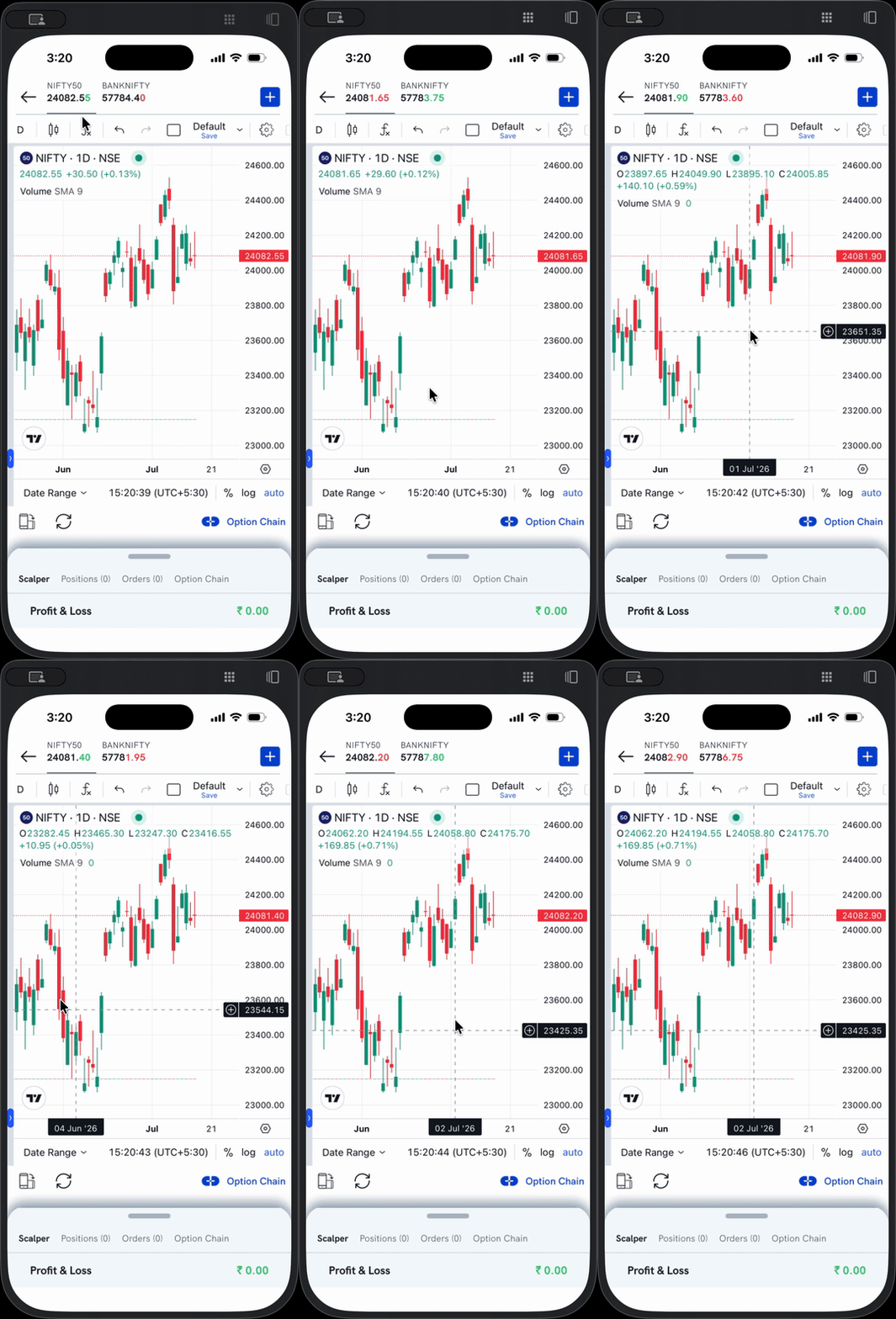
- Open the chart for any stock or index.
- Long-press anywhere on the chart.
- The crosshair appears — a dashed vertical and horizontal line at that point, with the price shown on the right axis and the date at the bottom.
- The O H L C readout at the top of the chart updates to the candle under the crosshair.
Drag without lifting your finger to move the crosshair across candles — the price, date, and OHLC values update as you move.
Disable the crosshair
To turn the crosshair off, tap once on the chart. The dashed lines and the labels disappear, and the chart returns to its normal view.